Every morning, your team opens your brand.
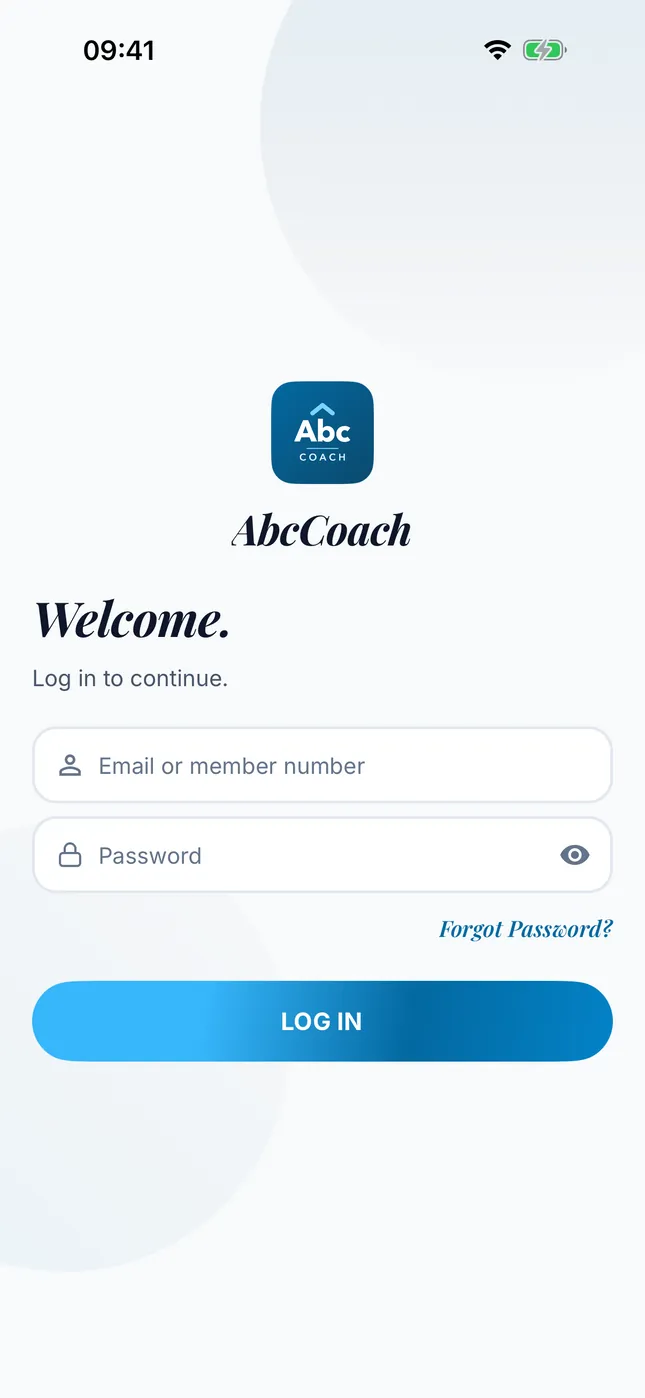
Prospect tracking, team management and an AI coach in one app, for network marketing companies. The app is published on the App Store and Google Play under your name, logo and colors, and goes live in 4–8 weeks.
The platform is live today on the App Store and Google Play as nCoach.
Request a demo
Leave the form and we get back to you to pick a day for the demo. We open the demo app together and talk through how it looks under your brand.
You can also write to us from the contact page.
Four scenes you see in the field every day
If your leaders say these things, your team needs one tool that everyone uses in the same way.
- New people get lost in their first months. They don’t know whom to call or what to say. Their leader is not always there to ask, and the excitement fades before the first result.
- Know-how stays on the leader’s phone. The lines that work are scattered across WhatsApp groups and notebooks. Every newcomer hears it from scratch, and nobody hears the same thing.
- The field shows up at month-end, in revenue. Who is working, who stopped and which team slowed down stays unknown until the numbers arrive. By then it is too late to step in.
- Your team works under someone else’s brand. Generic apps, groups, spreadsheets. Your company’s name is nowhere on your members’ phones.
nCoach was built for these four scenes and is in use in the field today. In a branded app the same platform runs under your name.
Where your brand shows
Every screen comes from the same platform. In the places below, your brand takes the place of nCoach.
| Where | In nCoach | In your app |
|---|---|---|
| App name and store icon | nCoach | The name and icon you choose |
| Logo on the login and home screens | The nCoach mark | Your logo |
| Colors | Gold and navy | Your primary color; the light and dark themes are generated from it |
| Name of the AI coach | Nova | The name you choose |
| Company panel | The nCoach admin panel | Opens with your company name and logo |
| E-mails the app sends | Under the nCoach name | Under your app’s name and logo |
| Store listing and developer account | nCoach’s | Yours |
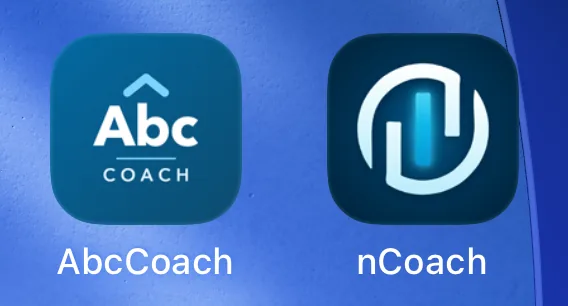
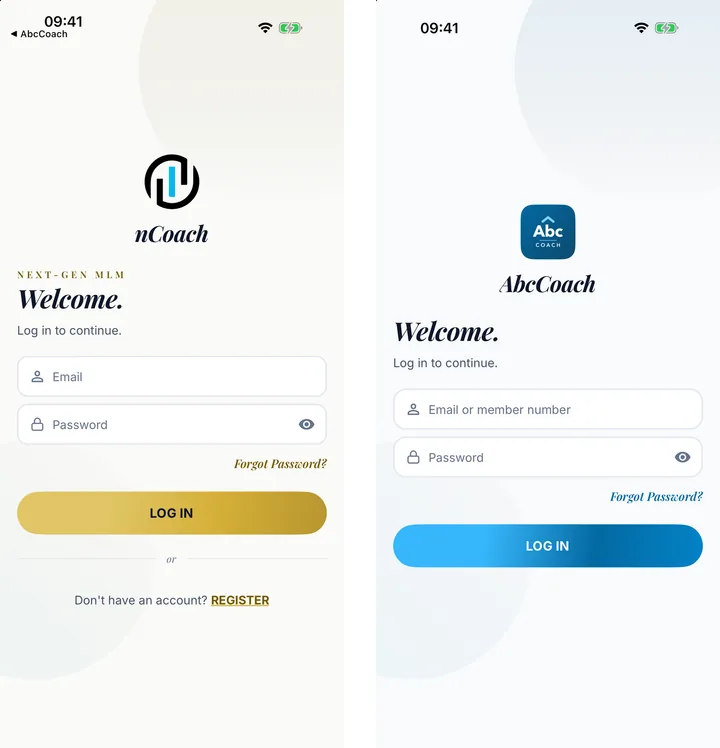
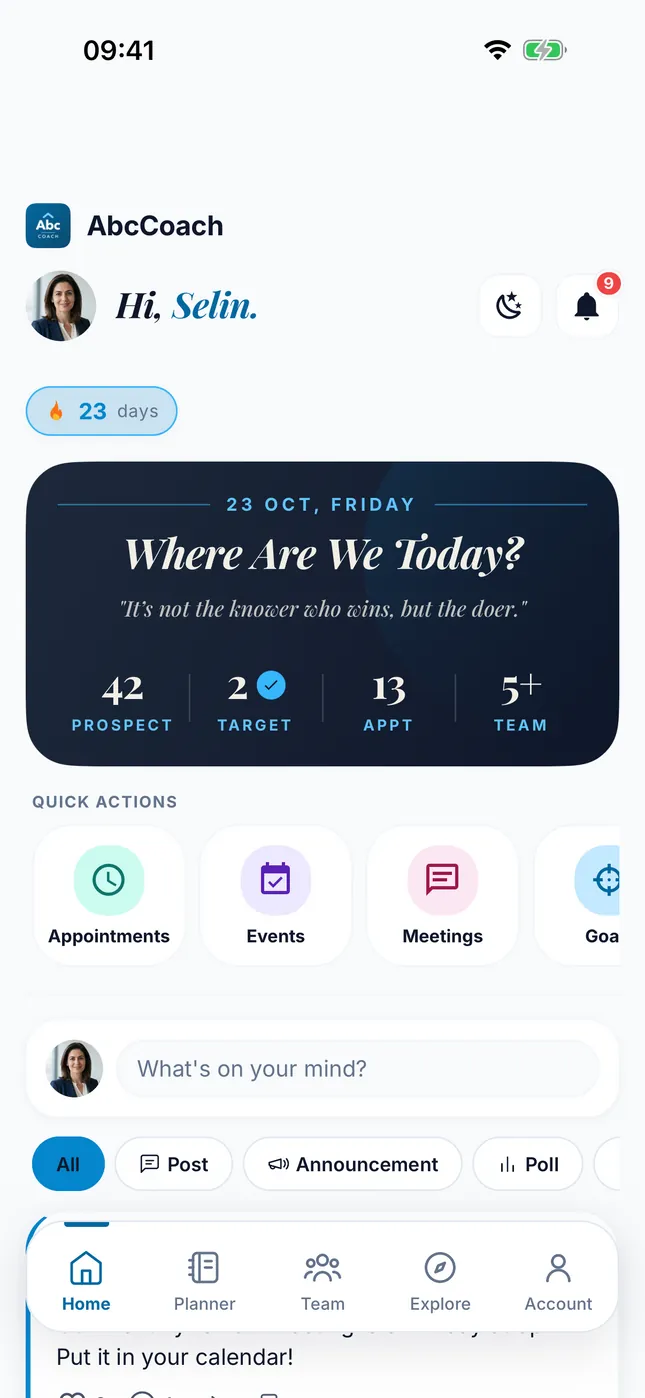
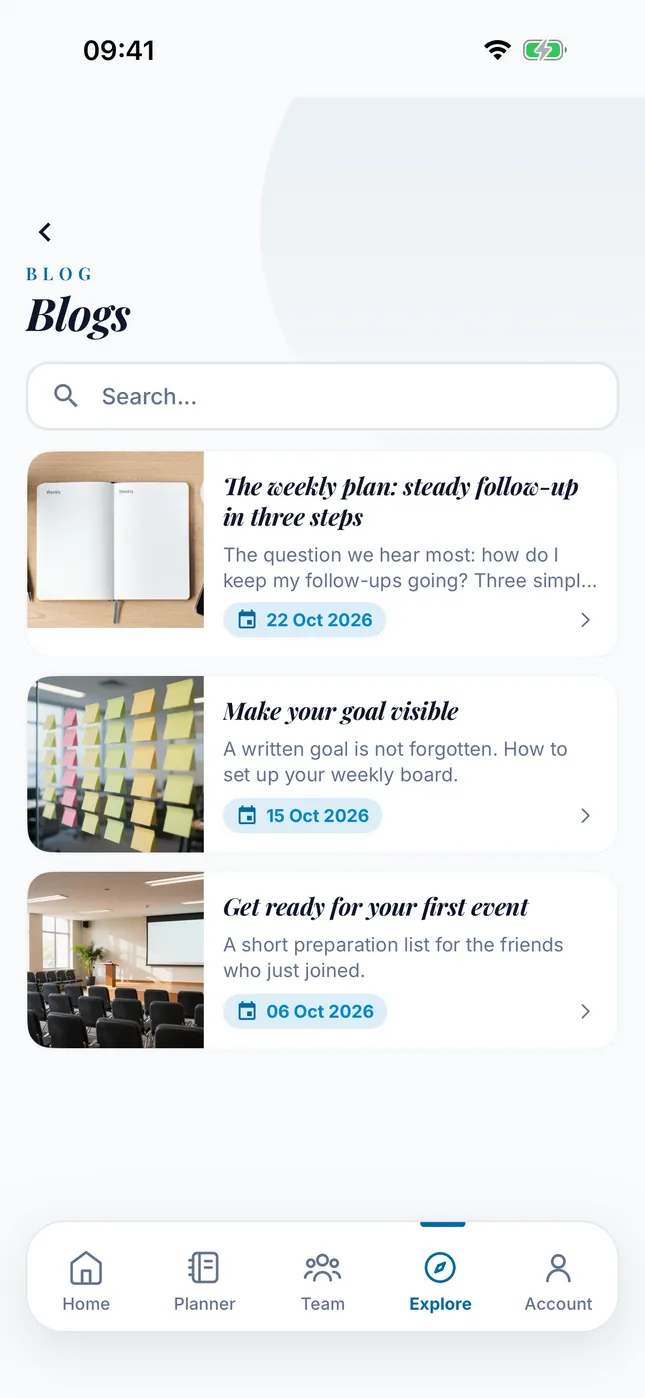
The features and every new release are the same for every brand.
AbcCoach is not a real company; it is the name of our demo setup. You can look at nCoach on the App Store and on Google Play.
The core in every package
Members, leaders and the company use the same app. Everything in this section comes with every package; the selectable modules are below, next to the packages.
Members know what to do every morning
- Today’s Tasks. Every morning the app prepares a short list for the day: a planned meeting, the follow-up after a presentation, a prospect who went quiet, a new introduction. A prospect who said “no” is not forgotten; they come back into the queue after 90 and 270 days.
- Prospect tracking. Every prospect sits in a stage: Not Contacted, Invited, Presented, Following Up, Joined, Rejected. Logging a meeting moves the stage forward and suggests the next follow-up date.
- Appointments and goals. When someone on the team asks for an appointment, they only see the member’s free hours. Members set their goals and follow their progress in the same place.
Leaders follow their team on the screen
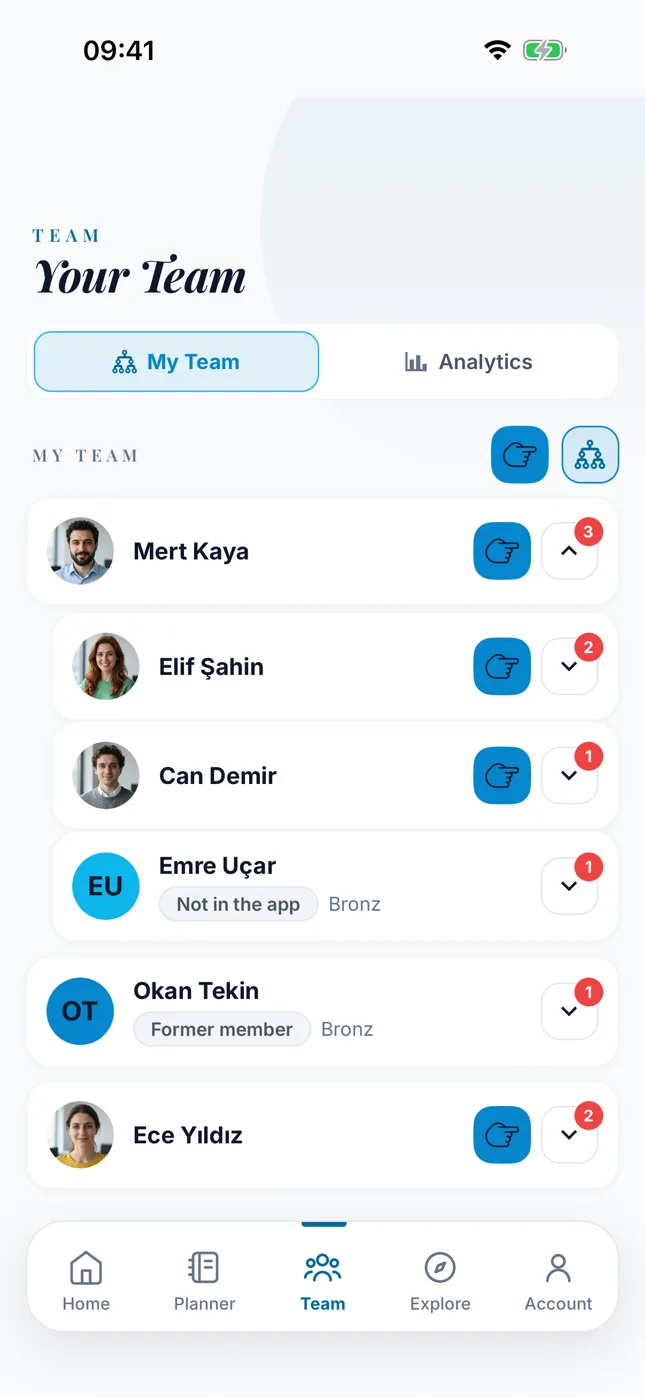
- Team tree and summary. Leaders see their team tree and read the total team, who joined this month and who was active in the last 7 days at a glance.
- Privacy rules. A member’s Planner is visible only to their upline. The downline cannot see the upline’s Planner. When a member turns on Private Planner, nobody sees it. The company panel has no screen that reads members’ Planners either.
- Events, live streams and blog. Members follow the company’s events, live stream links and blog posts in the app.
The company stays in control
- Company panel. The panel opens with your logo. You switch the modules in your license on and off, edit members and block their access to the app when needed. You publish blog posts and announcements and add assistant admins. Who did what stays in the activity log.
- Virtual office sync. Your member list, team tree and career ranks come from your virtual office automatically: every hour by default, every 5 minutes if needed. Members log in with their virtual office credentials. A member who leaves the company cannot log in again; members who have not installed the app yet keep their place in the tree.
- Your data stays separate. Each company gets its own server and its own database; no tables are shared with another company. The servers are in Europe, in Frankfurt. We never store the passwords of virtual office members.
The team tree a leader sees
The tree matches the structure in your virtual office and updates on its own. Leaders see who sits under whom and which members have not installed the app yet.
Build from scratch, or start from a working platform?
We put the typical picture of building an app of the same scope from scratch next to the nCoach platform.
| Topic | Building from scratch | With the nCoach platform |
|---|---|---|
| Time to launch | 12–18 months | 4–8 weeks |
| Cost | Hundreds of thousands of dollars | A yearly license; a small fraction of that |
| Maintenance and the store updates required every year | On you | On us, included in the license |
| AI coach | Built separately | Ready; you choose its name |
| Risk of delays or an unfinished project | On you | You see the working product in the demo |
The build-from-scratch estimate is our own: a team of 5–6 people for 12–18 months. The exact time and cost depend on the scope and the team.
Live in four steps
It usually takes 4–8 weeks. The longest part is opening the company accounts and the store review.
Introduction and demo
We open the demo app together and pick the package that fits your member count and needs.
Brand and accounts
You open your Apple and Google developer accounts and a Firebase project; we give you the step-by-step guide. You send us your logo, primary color, app name and coach name.
Setup and virtual office link
We open your server and database and apply your brand. Your IT team sets up the virtual office link. We test the link first with a sample test office, then with yours.
Store launch and team invite
We build the app and submit it to the stores. After approval you invite your team; members log in with their virtual office credentials. The panel is yours from day one.
What we need from you
- Apple Developer Program membership and a Google Play Console account in the company’s name.
- A D-U-N-S number for the company account. It is free.
- A Firebase project for your app.
- Logo, primary color, app name and coach name.
- The addresses of your privacy policy and terms of use pages.
- The virtual office link: login check, member list, career list.
- If you want the AI coach, your service provider key.
Packages and modules
The core is the same in every package. Packages differ by how many members use the app and how many modules you can choose.
| Package | Members using the app | Modules |
|---|---|---|
| Starter | Up to 1,000 | The core and 2 modules you choose |
| Growth | Up to 10,000 | The core and 4 modules you choose |
| Enterprise | Up to 25,000. Larger teams add a member block. | The core and all 6 modules |
A member counts once they have logged in to the app at least once.
The 6 modules you can choose
| Module | What it does in the field | What it gives you |
|---|---|---|
| Feed | Members share posts, polls and videos with the team; a post can be shown only to the people they pick. | Wins and announcements do not get lost in WhatsApp groups; they stay in the company’s app. You remove reported posts from the panel. |
| AI coach | It answers based on the member’s prospects, goals and calendar: daily Coaching Chat and data-based Growth Analysis. The names of prospects and team members never reach the coach; only numbers do. | A newcomer does not have to take every question to their leader. The coach runs on your own service provider account; you set the daily spending cap in the panel. |
| Team analytics | Leaders see the team’s growth chart and its depth breakdown. The churn risk radar shows members who have slowed down. | You notice a member who stopped and a team that slowed down without waiting for month-end. |
| Prospect analytics | It shows the conversion rate and the stage where prospects get stuck. A leader can leave a coaching note on a team member’s prospect. | You see at which stage prospects drop out and point coaching at that stage. |
| Events and live streams | Members create events and live streams in the app. A live stream works with a link from the streaming service you use. | Meeting and training announcements land in the calendar; the team joins from the same place. |
| Team notifications | Leaders send app notifications to their own team. | A leader’s announcement does not get lost in a group; it reaches the team’s phones as a notification. |
Everything outside the modules is part of the core and is on in every package.
The price depends on your member count and modules; let’s talk about a quote.
- Servers, maintenance and store updates are included in the license.
- There are no in-app purchases; your members pay nothing.
Pilot terms for the first companies
We work more closely with the first companies to set up the platform. The first-year price and the setup support are settled in a meeting. In return we ask for regular feedback in the first months.
Common questions
Is the app published on our own store accounts?
Yes. The app sits on your Apple and Google developer accounts, under your name. Apple asks that apps generated from a shared platform be published from the content owner’s own account.
We handle building, signing, store submission and updates. You open the accounts and add us as an authorized user.
Where does our data live?
Each company gets its own server and its own database; no tables are shared with another company. The servers and the database are in Europe, in Frankfurt.
When the contract ends, your data is handed over to you; the handover and deletion are written into the contract. If you use the AI coach, the information it needs to answer goes to the service provider you choose; prospect names do not.
Does it work with our virtual office?
Yes. The app connects to your virtual office through its API. Three connections are enough: login check, member list and career list. Earnings data is optional.
The specification and a working example are ready, and your IT team builds the connection from them. We verify it first against a sample test office, then against yours.
Will our members pay for the app?
No. There are no in-app purchases in a branded app. The features in your license are open to all your members.
What does the AI coach cost?
The coach runs on your own AI service provider account, and you pay the provider for usage. You set a daily spending cap in the panel. When the cap is reached, the coach stops for the day.
We estimate the expected usage with you in the meeting. If you do not choose the coach, the rest of the app works exactly the same.
How long until we are live?
Usually 4–8 weeks. The longest parts are opening the company accounts and the store review. If your accounts and your virtual office connection are ready, it goes faster.
How does the contract work?
A yearly license and a one-time setup. Servers, maintenance and store updates are included in the license. A reminder starts in the panel 30 days before the license ends.
Can we get the source code?
The source code is not sold. We develop the platform and keep it up to date, and every new release reaches your app too. If you ask for it, a source code escrow can be added to the contract.
Which languages does it support?
The app runs in 7 languages: Turkish, English, German, French, Spanish, Russian and Azerbaijani. The panel is in Turkish and English.
We already have an app in the stores. Can this replace it?
Yes. Your new app can ship as an update from your existing store listing. You upload your Android signing key through the panel, encrypted.
Data in the old app does not move over by itself. Member and team information comes from your virtual office.
What happens if our member count goes past the package?
Members already using the app are not affected. As you get close to the limit, you see a warning in the panel. Once the limit is reached, only new members wait at their first login; it opens when you upgrade the package.
Let the app in your team’s pocket carry your name.
Tell us about your company and roughly how many members you have. Let’s open the demo app together and talk through how it looks under your brand.
You can also write to us from the contact page or at [email protected].
The platform is live today on the App Store and Google Play as nCoach.